Dashboards
Your dashboard is what you and your family see when you open the Home Assistant app or website. It is the at-a-glance view of your home: which lights are on, what the temperature is in each room, who is home, and what is happening right now. From the same dashboard, a single tap dims the lights, starts your robot vacuum, or arms the alarm.
Home Assistant comes with a dashboard out of the box, automatically generated from the devices you add. From there, you can build your own dashboards visually, with drag and drop, no coding required. Make a focused dashboard for the kitchen tablet, a simple one for guests, and a detailed one for yourself.
You can customize your dashboard using various options:
- Different card types to visualize your data and control your smart home devices.
- Themes (even at a per card basis).
- Override names and icons of entities.
- Use custom cards from our amazing community.
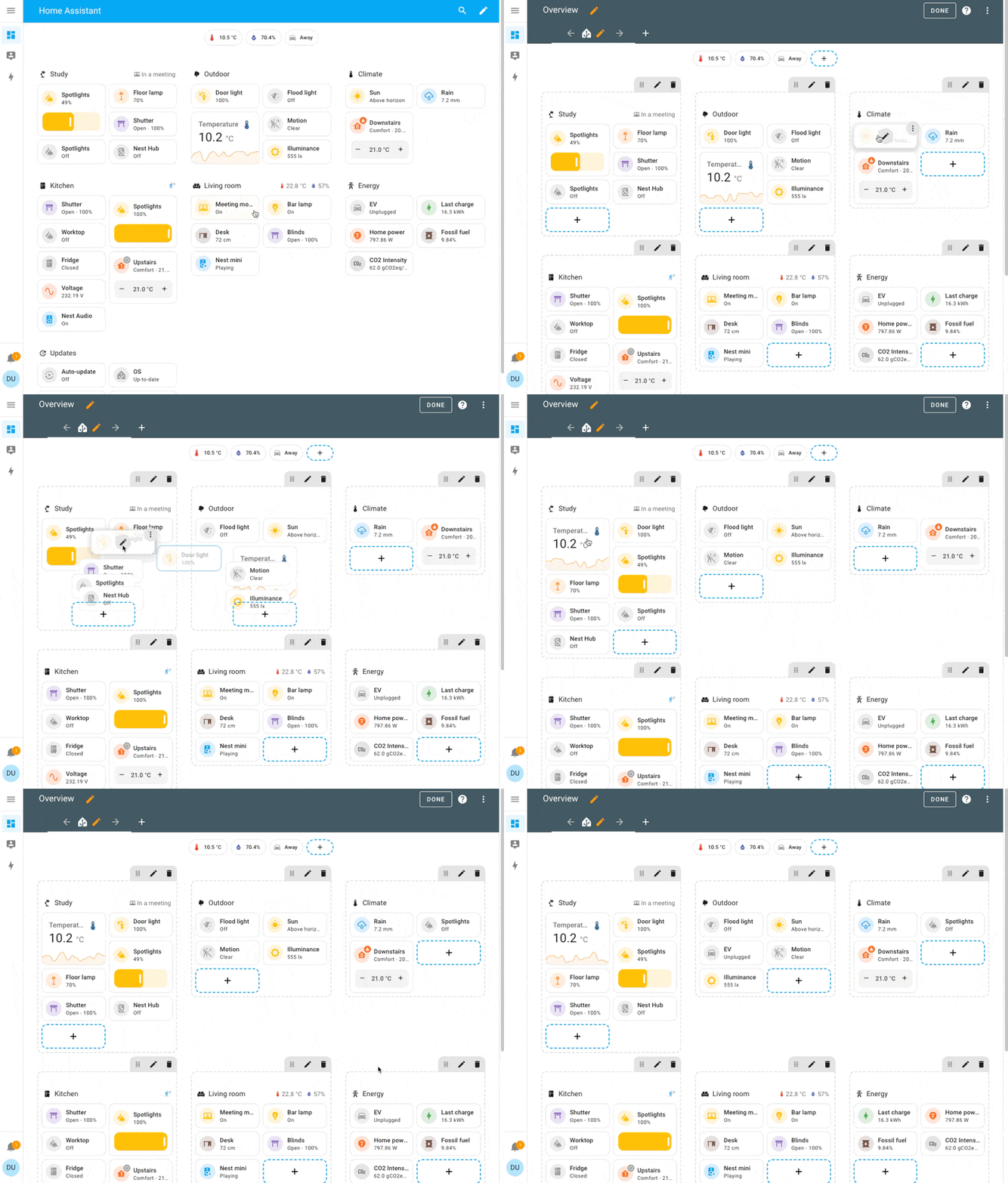 Screencast showing how to edit a dashboard in section view and how to rearrange cards
Explore the interactive demo dashboard
Try it yourself with the interactive demo.
Get started with your own dashboard
To create your own dashboard, follow the steps on creating a new dashboard.
Discuss dashboard
- Suggestions are welcome in the frontend repository
- For help with dashboards, join the
#frontendchannel on our chat or our forums